
What Sonarr Does
Sonarr automatically tracks your favorite TV shows and downloads new episodes as soon as they become available.
It connects to indexers (which list available TV content) and download clients (that actually fetch the files), so you don’t have to manually search or manage anything.
⚙️ How It Works
- Add a TV Show
You add a show you want to track — Sonarr pulls all its details (poster, seasons, episode list) from online databases like TheTVDB or TMDb. - Monitor for New Episodes
Sonarr constantly checks your indexers for new releases that match your show list and quality preferences (e.g., 1080p, 4K, WEB-DL). - Send to Download Client
When it finds a match, Sonarr sends the file request to your downloader — like Sabnzbd (for Usenet) or qBittorrent (for torrents). - Rename & Organize
Once downloaded, Sonarr automatically renames the file, places it into your correct TV show folder (like/TV Shows/Breaking Bad/Season 3/), and can trigger Plex or Jellyfin to update your library.
Key Features
- Automated episode downloads
- Custom quality profiles (SD, 720p, 1080p, 4K, etc.)
- Episode renaming and sorting
- Integration with Plex, Jellyfin, Emby, Sabnzbd, NZBGet, and others
- Manual search if automation misses something
- Notifications via Discord, Telegram, email, etc.
- Web-based dashboard (runs in your browser)
In this tutorial we will be Installing Sonarr v4 to Synology NAS , In this tutorial I use DSM7. It will work approximately the same as DSM6. Only the interface looks a little different from Synology.
Install Sonarr V4 Synology
If you don’t yet have the option to add synocommunity.com packges. Then you have to set that up first.
Step 1. Go to the Package Center.
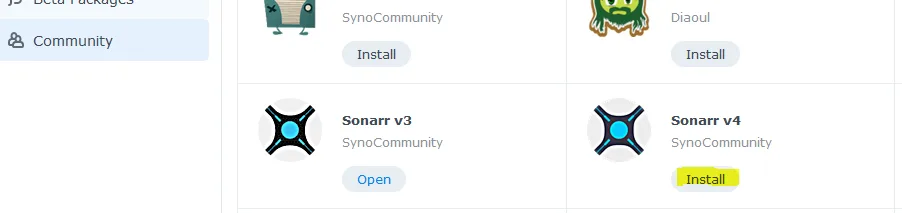
Step 2. Go to Communtity search for Sonarr v4. And then click Install.
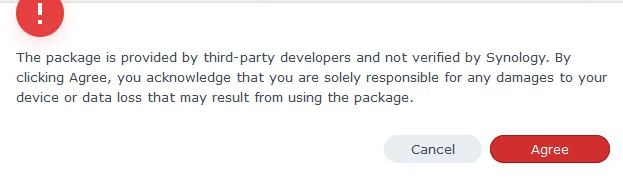
Step 3. Click Agree.
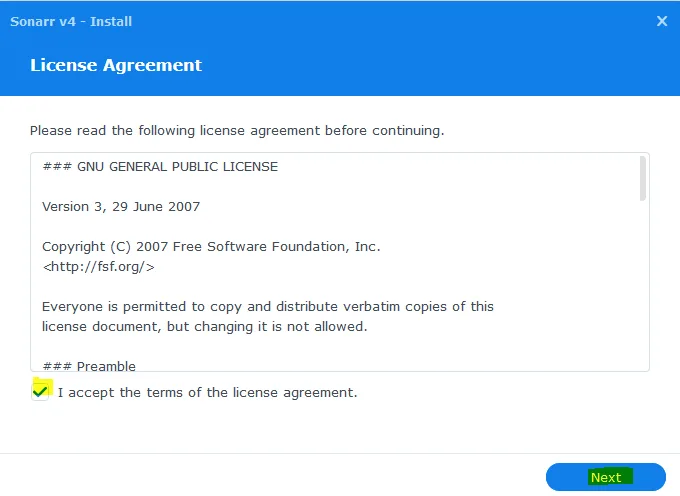
Check the box and then Next
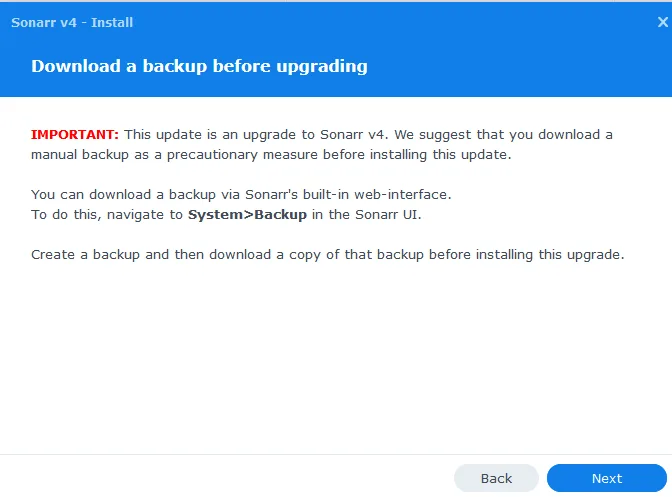
Click Next.
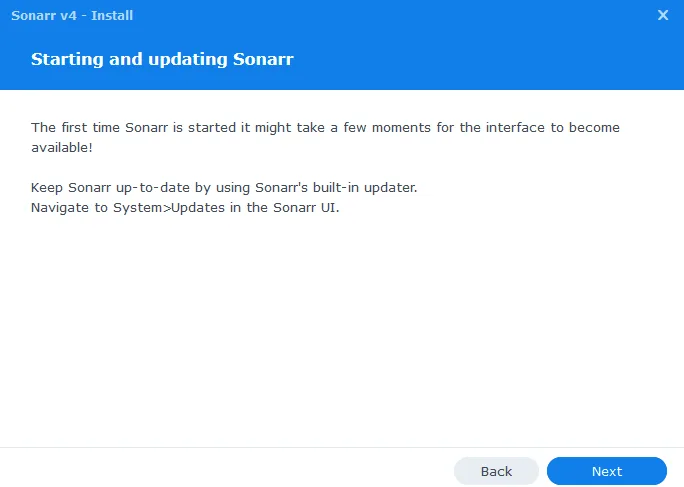
And then Next again.
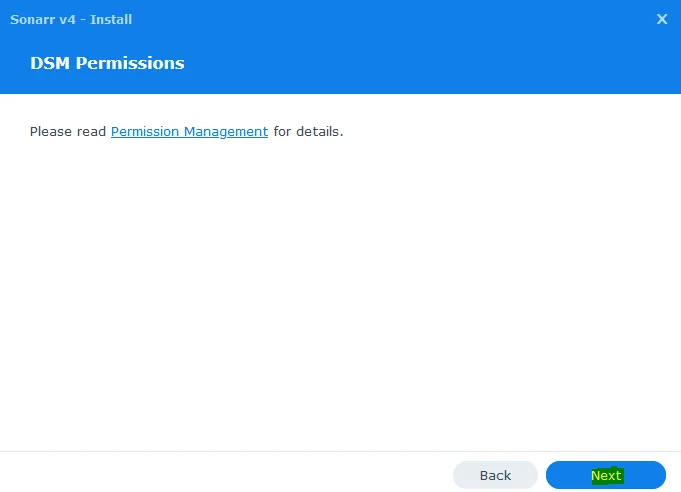
Click Next.
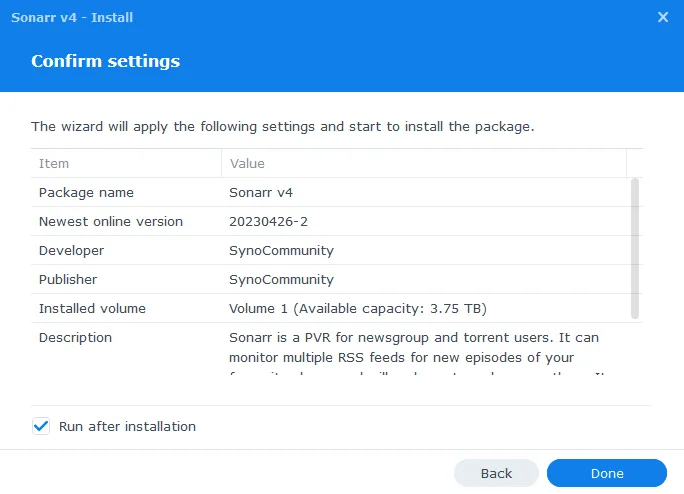
Click Next.
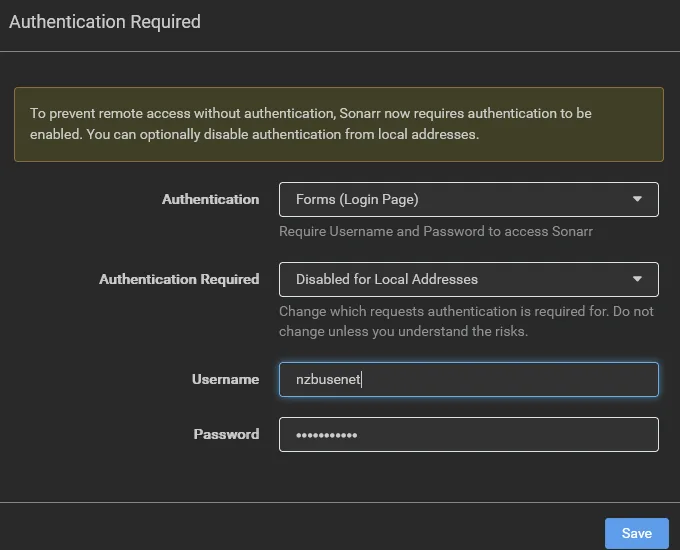
You can now access the Sonarr web interface at http://ip-synology:8989.
You will then see the above screen if you have not protected Sonarr with a username and password.
Set Authentication to Disabled for Local Addresses. Then you do not have to provide a password within your own private network.
And provide a username and password. Click on .