What is Radarr?
Well, imagine you’re a movie buff who can’t get enough of the latest flicks. But instead of searching for movies one by one and downloading them manually, you have your own personal movie butler – Radarr!
Radarr is like a trusty sidekick that scours the internet for the newest and coolest movies for you, and then grabs them all in one place. It even makes sure that the quality is top-notch, upgrading your collection whenever a better version comes out. So you can sit back, relax, and enjoy the show – without lifting a finger!
And the best part?
Radarr integrates with all your favorite apps like uTorrent, qBittorrent, SABnzbd, NZBGet, Kodi, and Plex, so you can easily download and stream your movie collection from anywhere. Think of Radarr as your very own movie superhero – saving you time and hassle, so you can focus on the important things in life, like enjoying the popcorn!
In this complete step-by-step guide to Radarr, we will go through everything you need to start with Radarr. You’ll learn the basics of what Radarr is, how it works, and how to set it up and integrate it with other apps.
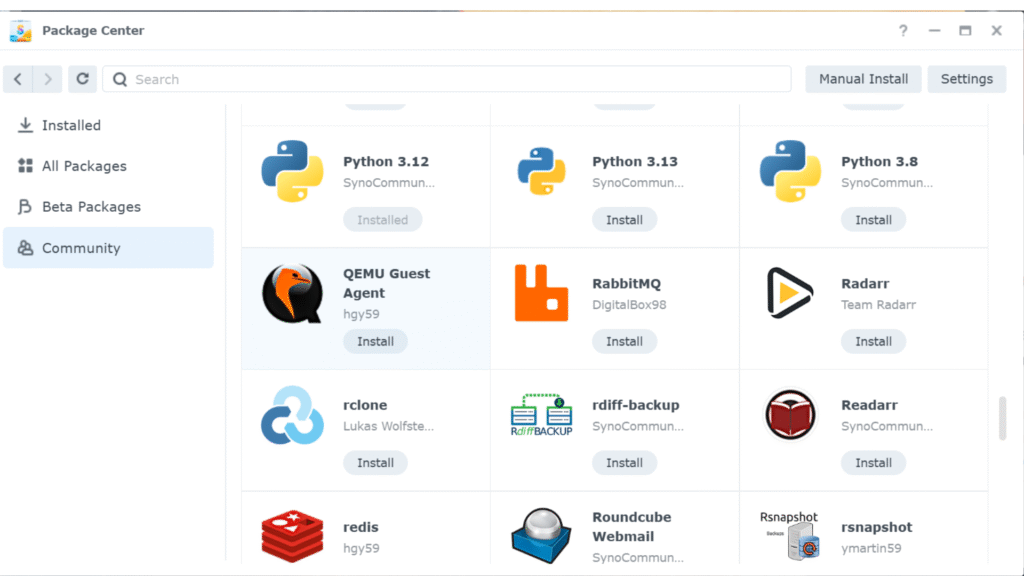
Go back to the Package center.
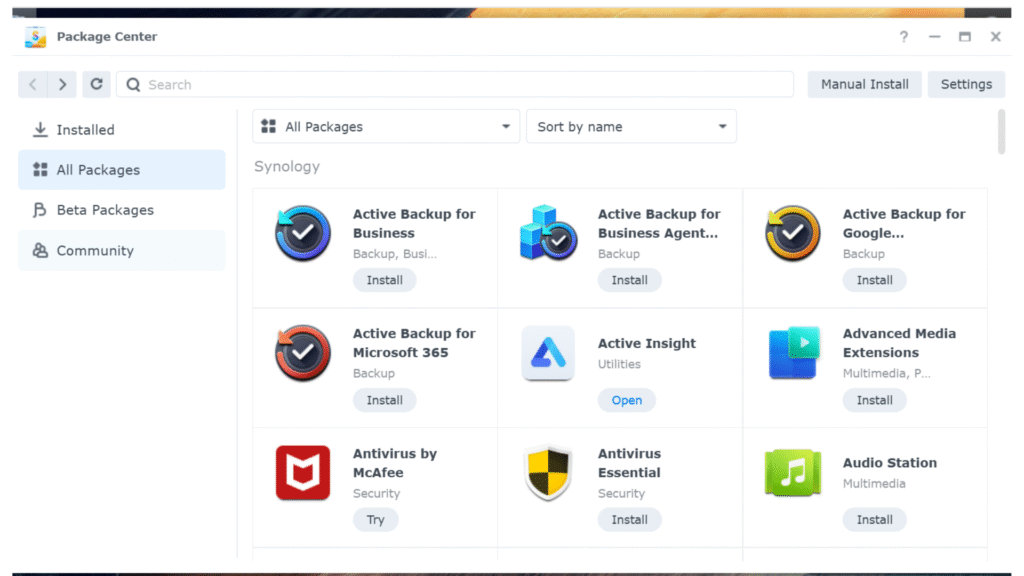
Scroll down and click Community.
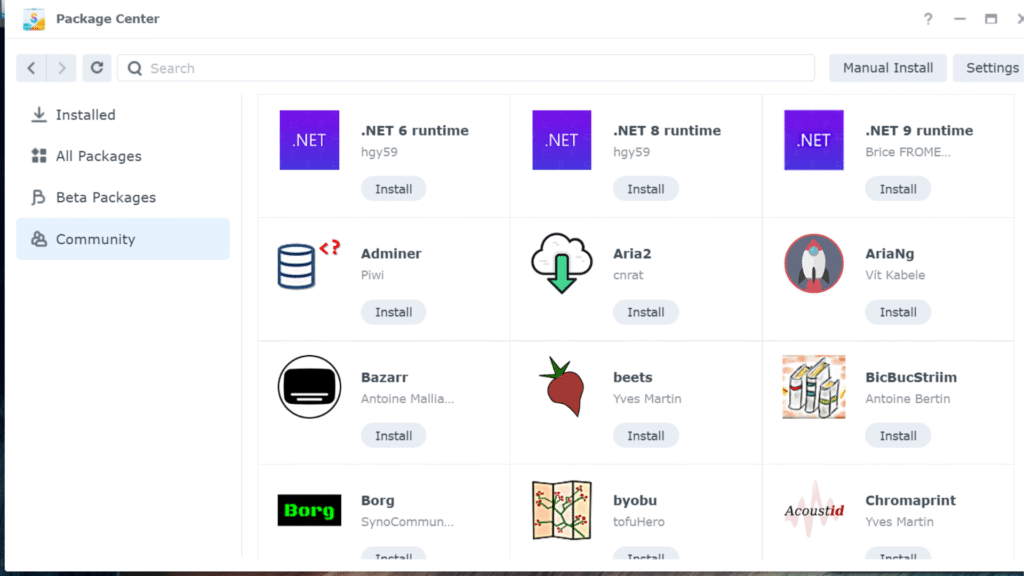
Look up Radarr. and then click Install.
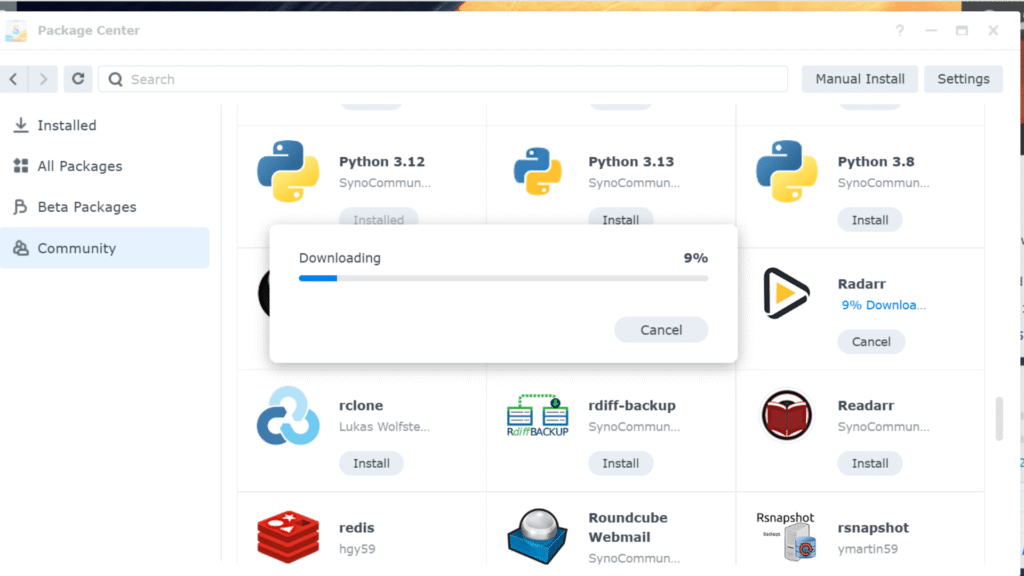
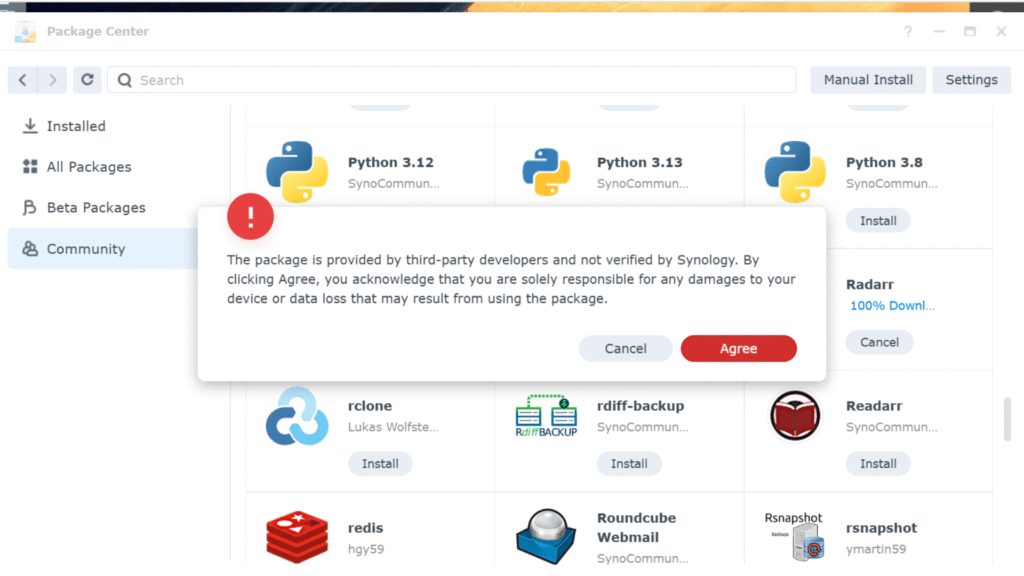
Check Agree
Check accept then next
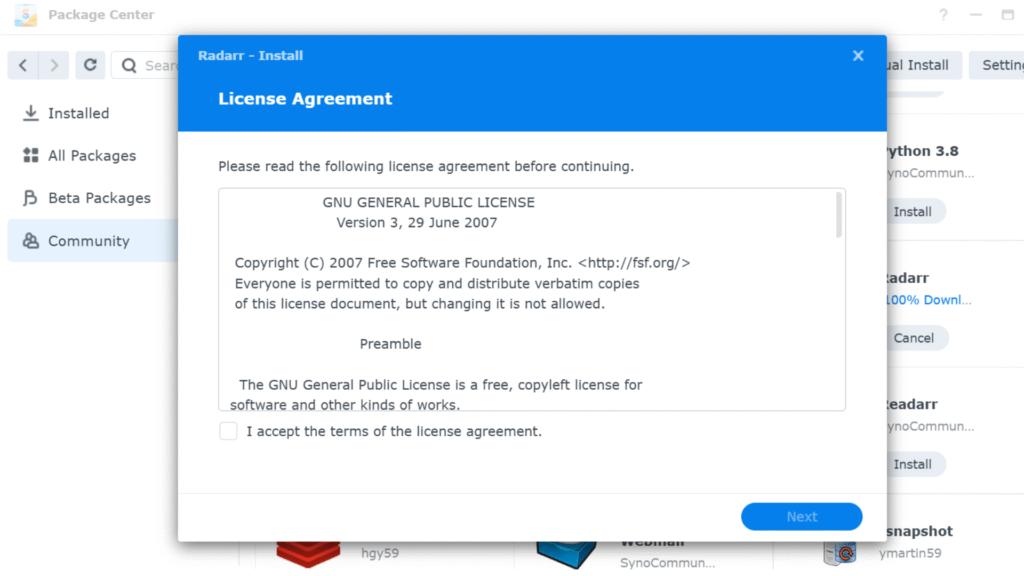
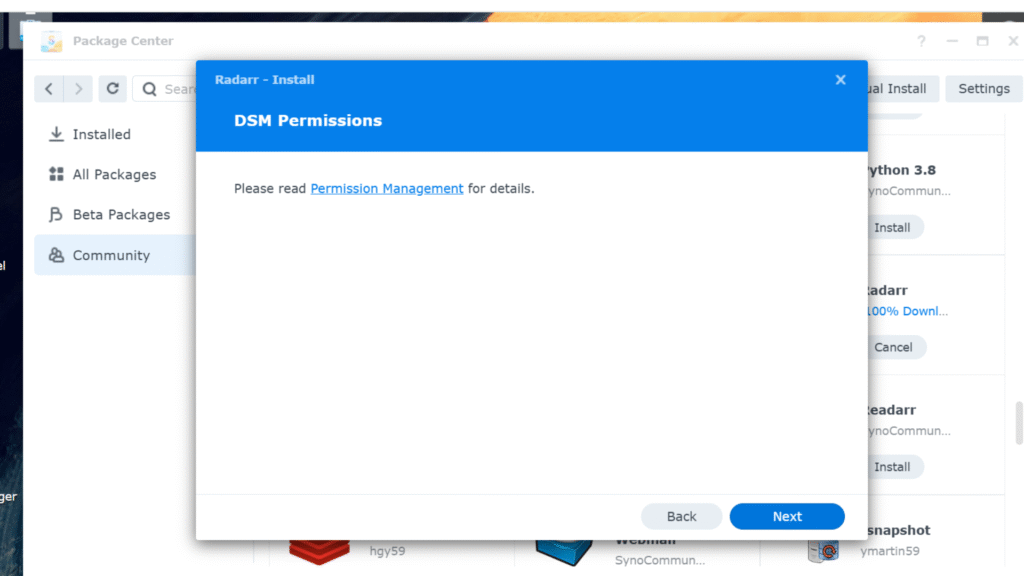
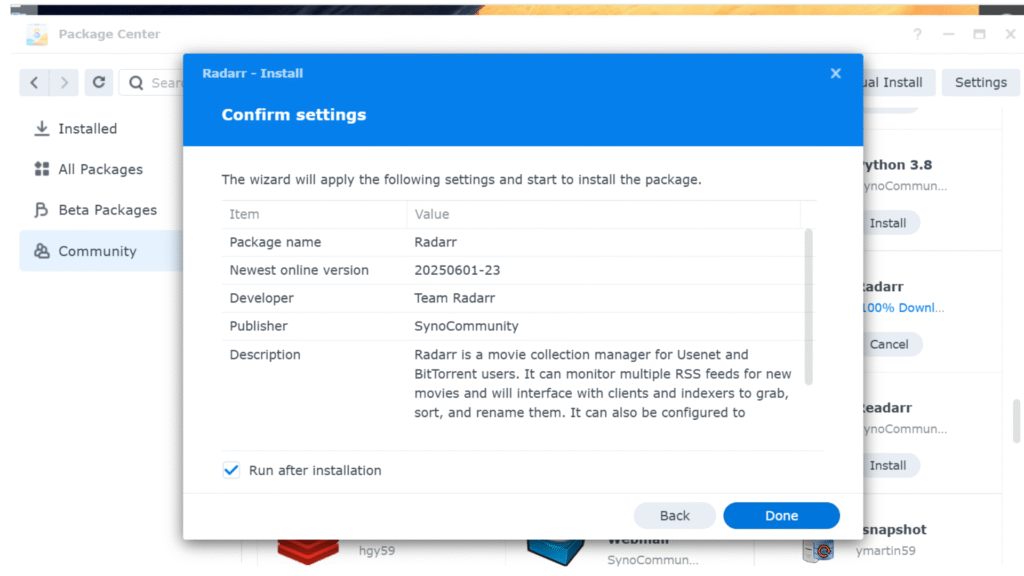
Click Next
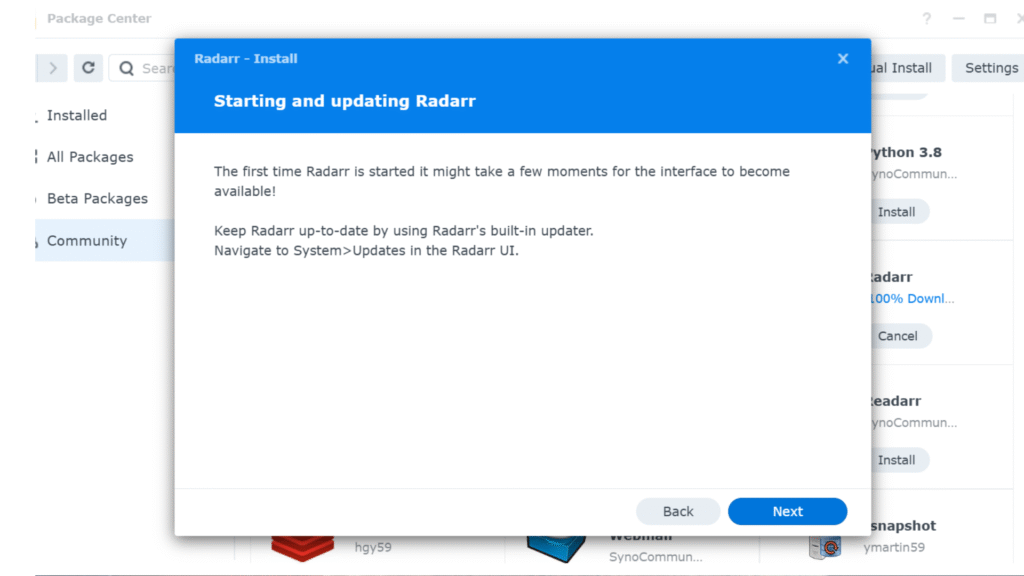
Click Next