In this step by step guide I will show you how to download from your indexer to Sabnzbd
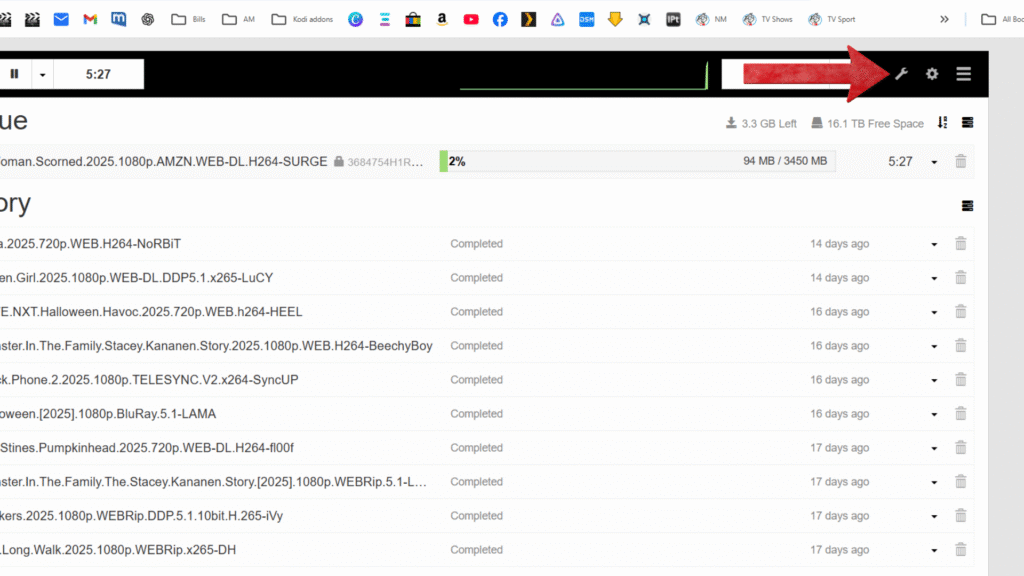
Open up SABNZBD and click on the icon that looks like a wrench
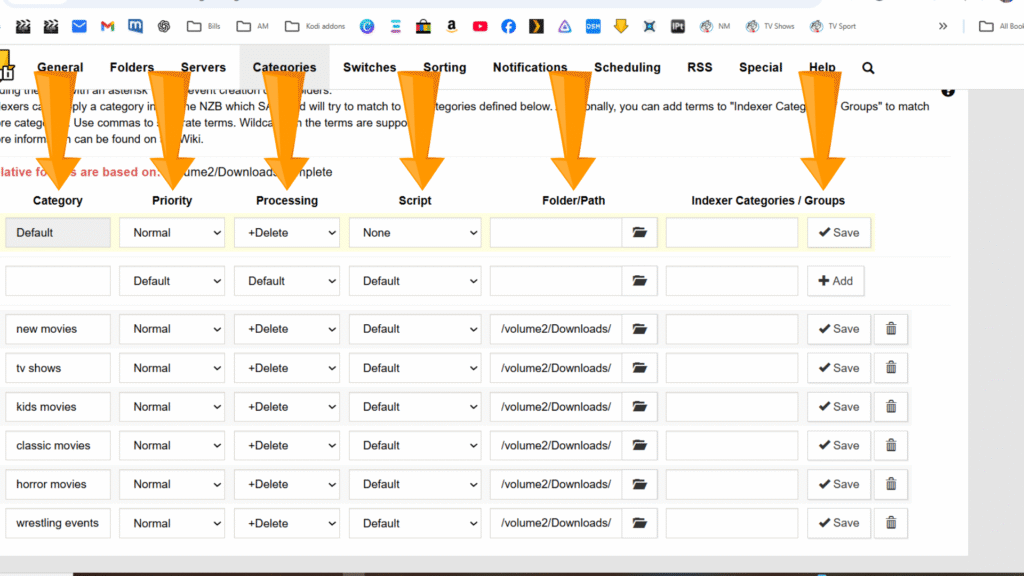
I am going to show you my folder’s you can name your folder whatever you want these folders are your folders you made for your Movie’s and TV show’s, use the same settings and click save when your done.
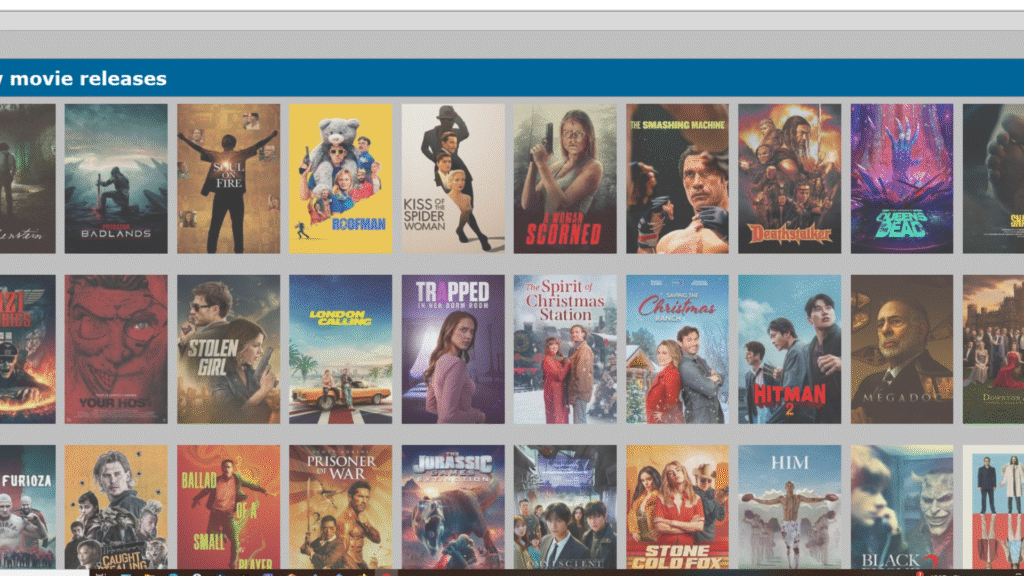
Open up your Indexer in a browser in this guide I am using Chrome, and pick a movie
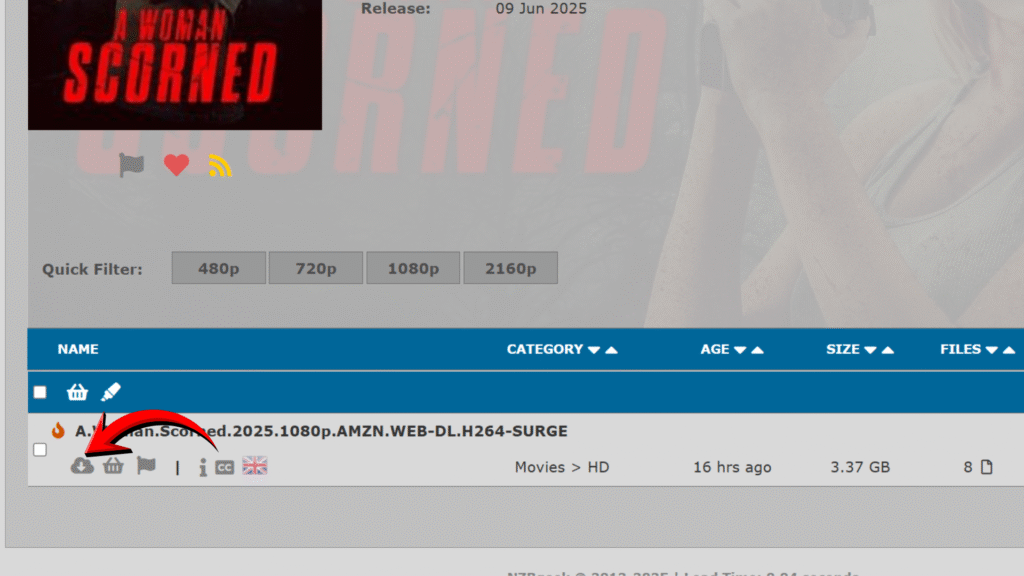
Scroll down right click on your PC mouse over download NZB
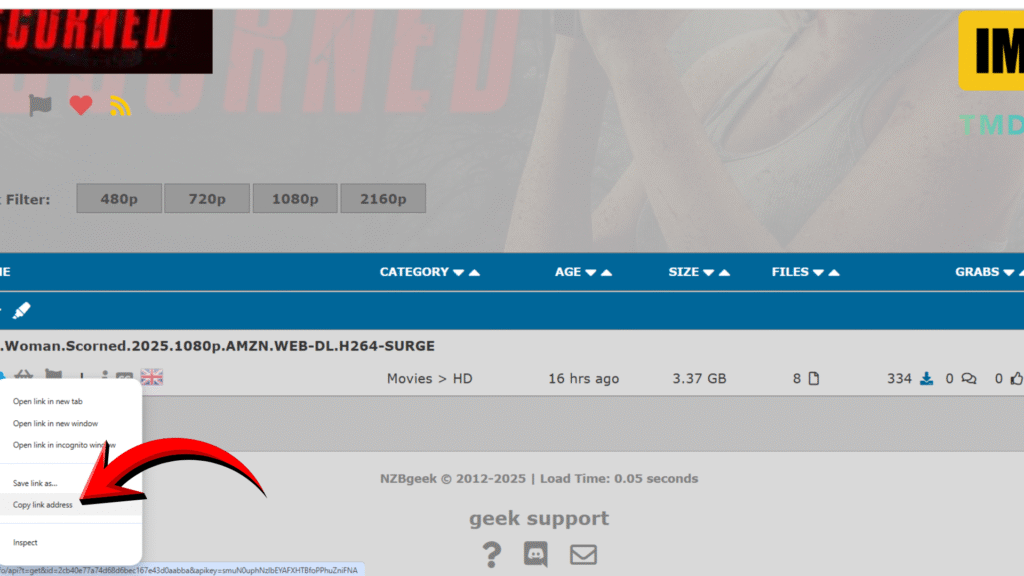
And choose copy link address
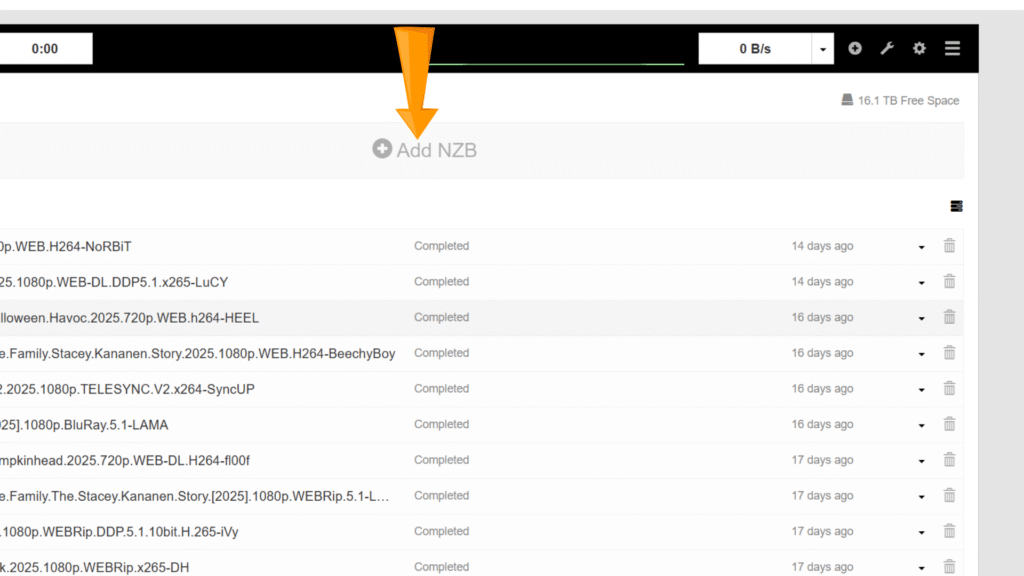
Now click on Add NZB
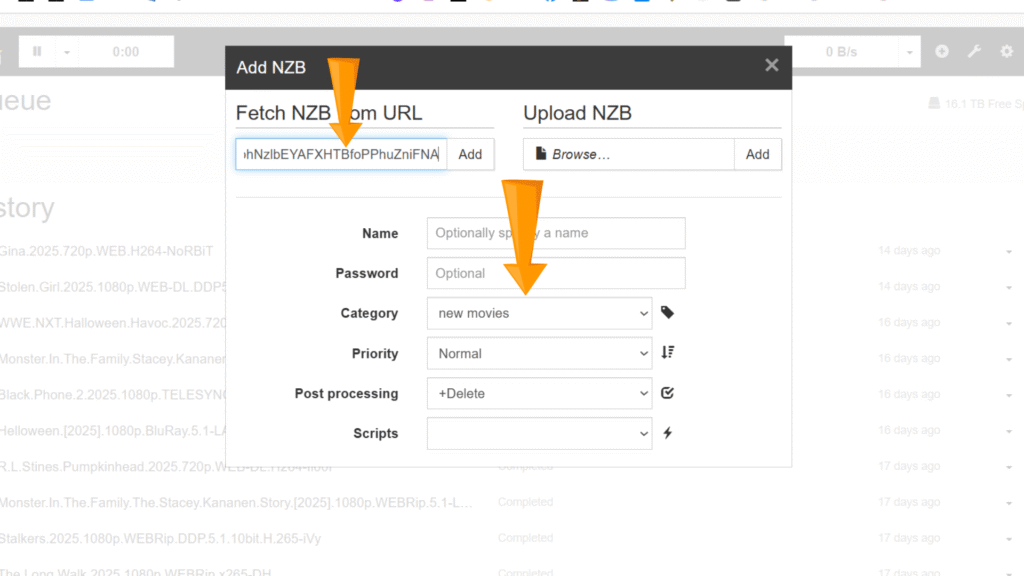
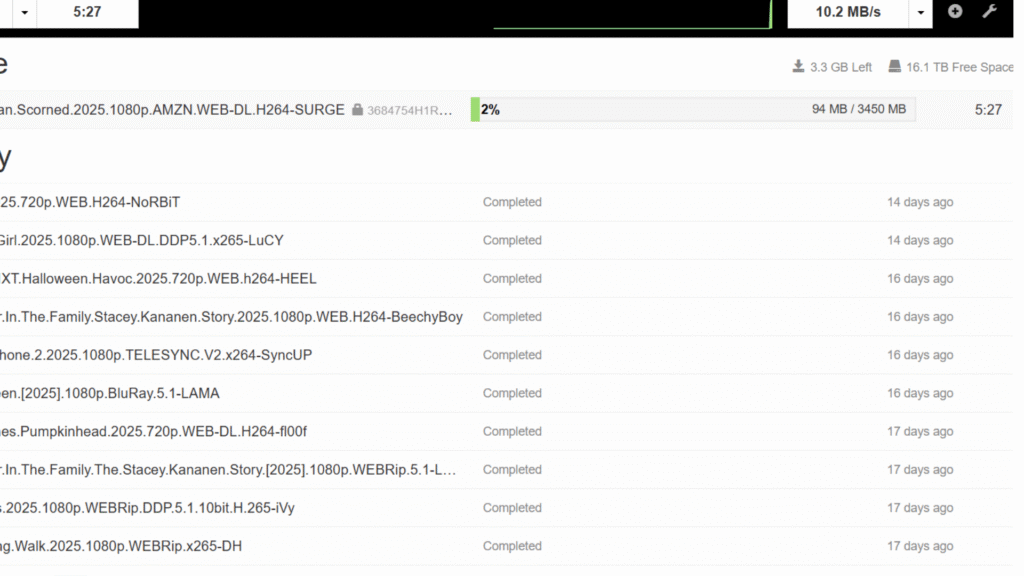
First click your category folder then priority, then post processing then add your NZB link then click add then your download will start.