How to Build Your Own Media Streaming Service Using Synology NAS + Sonarr + Radarr + SABnzbd + Usenet + Plex media server
Want to create your own private, automated streaming setup? In this guide, we’ll walk through how to turn your Synology NAS into a full-featured media server that automatically downloads and streams your favorite shows or movies through Plex media server.
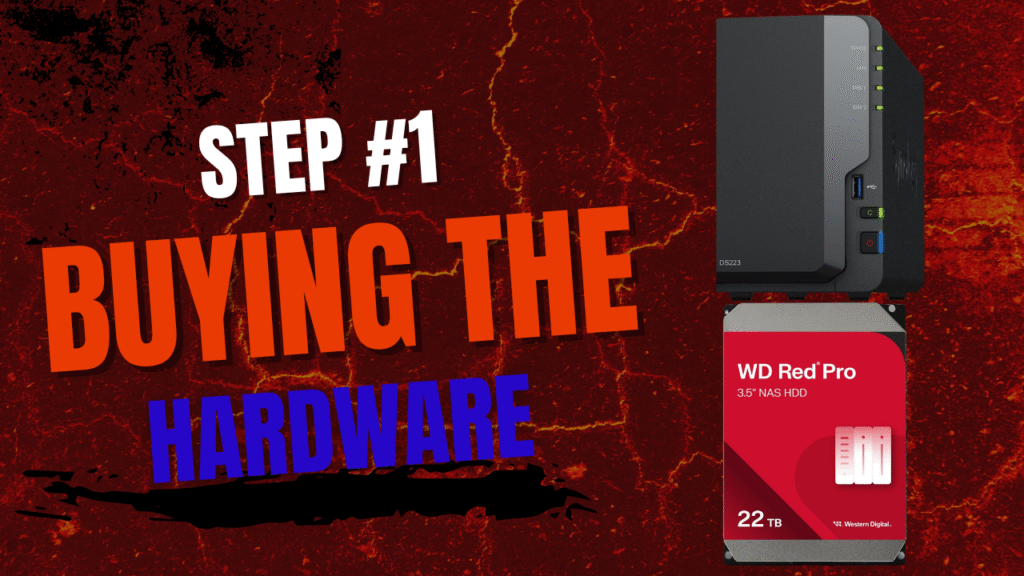
The first thing you need to do is take the plunge and buy the Synology Nas and the Hard drives , You will need matching hard drives for the 2 bay NAS one for your media and the other is backup I recommend Western Digital Red they are made for NAS units,
I recommend you start out with The Synology NAS DS 225+ I purchased a DS218+ about 10 years ago and its still going strong today , I upgraded from the 2 8-TB hard drives to 2 20-TB this year because I quickly ran out of space with my collections , I know this can get costly but Amazon makes this a bit easier with payment options.
I thank you for purchasing through my links it helps to keep this site running, Its take’s many hours putting these articles and video’s together.
I have made this into steps to try to make this process easier to complete take your time remember it will be worth it at the end of this course you will soon be in charge of your own media.