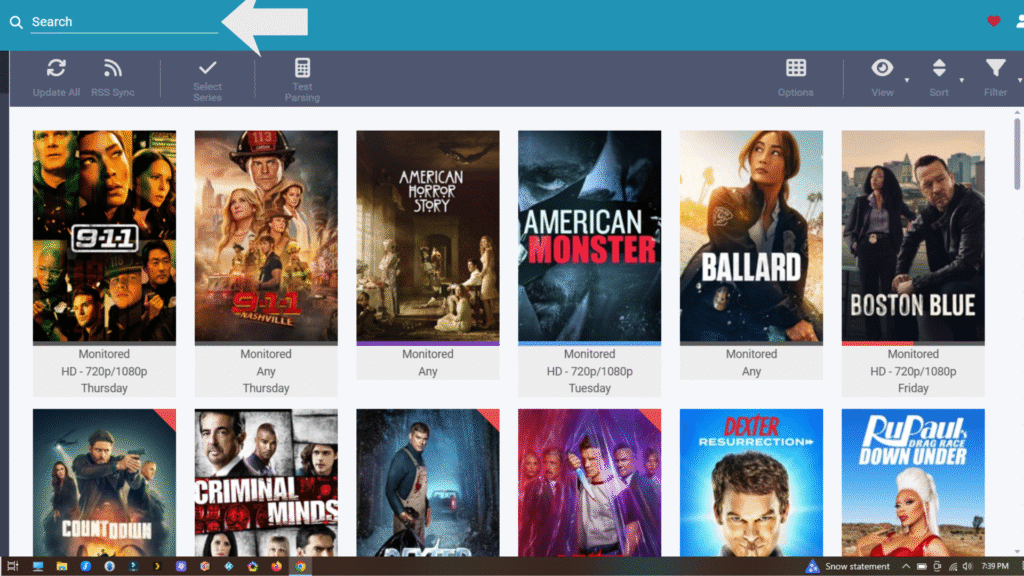
Here you will get step by step instructions on how to configure your Sonarr on your Synology NAS
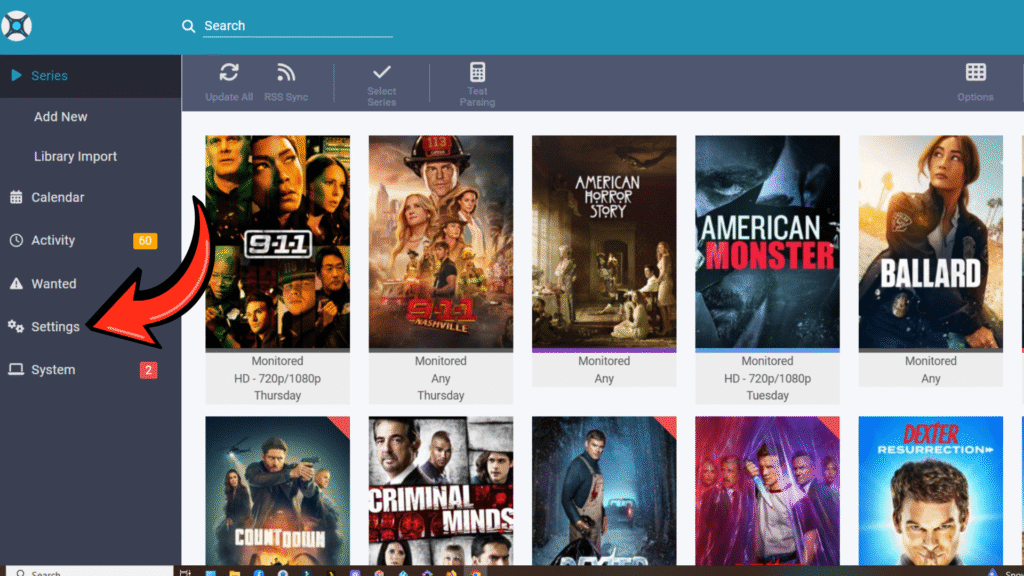
Open up Sonarr and click on settings
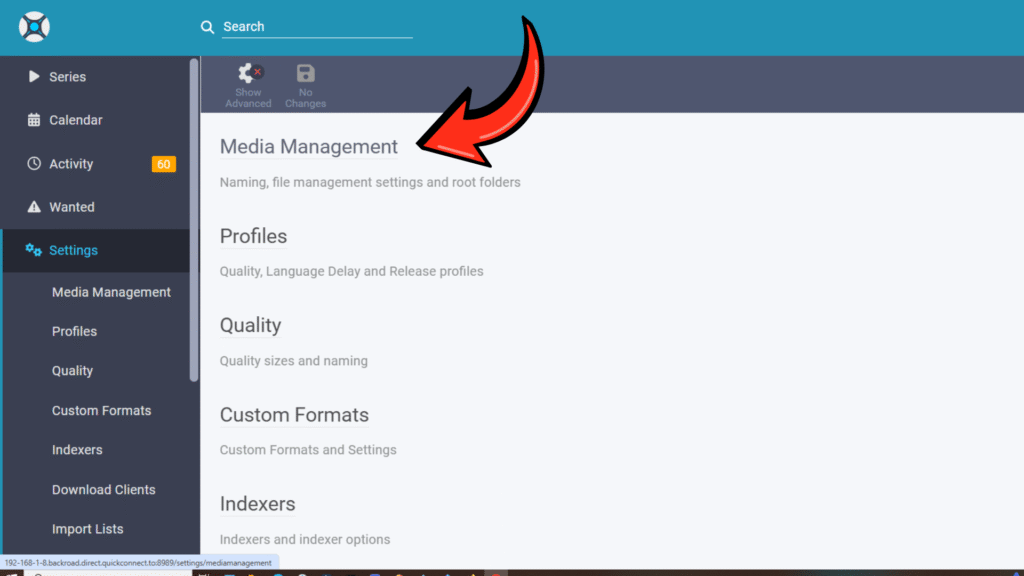
Click on Media management
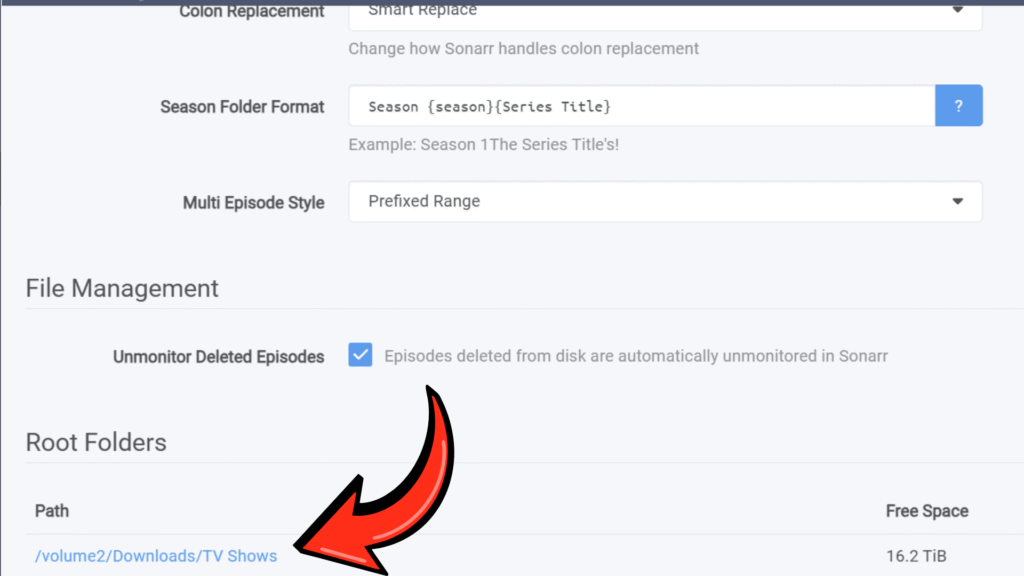
Your root folder should be set to where your TV download folder is located, and just use the season folder format that is in the this picture click save at the top
Click back then open up the quality section
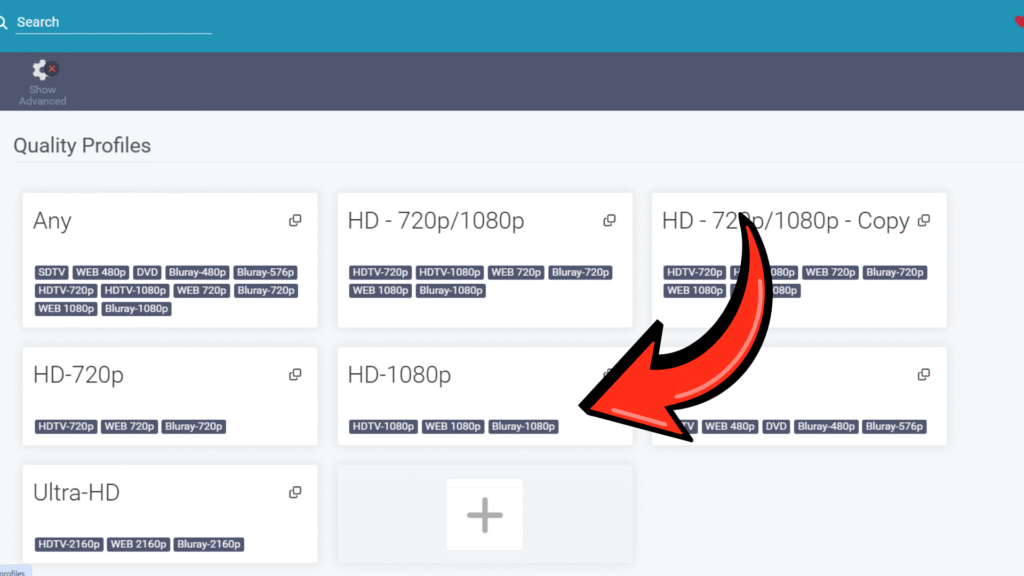
Check the quality you want Sonarr to pick up
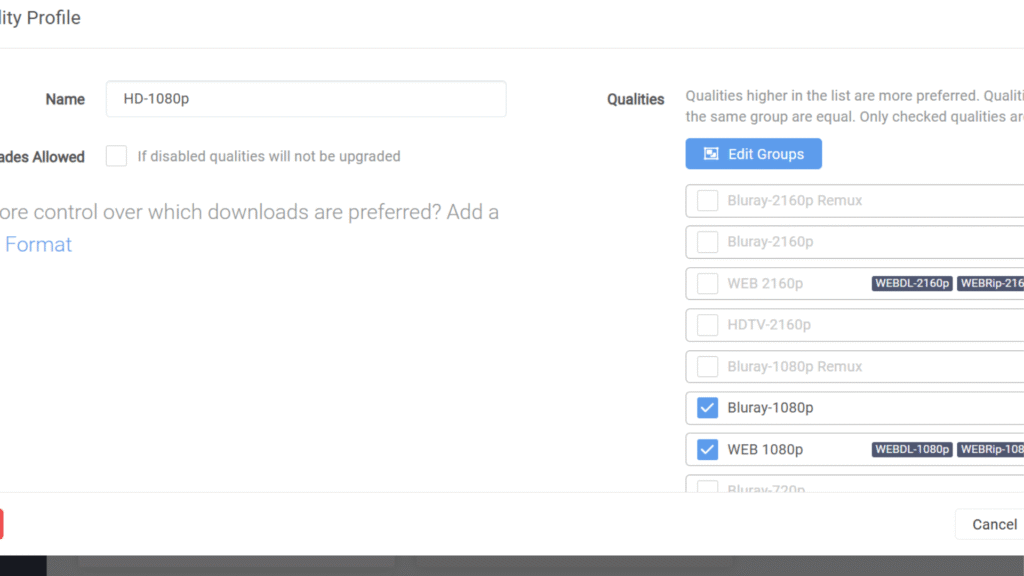
Next choose the size you want Sonarr to pick up just slide it to you get the size you want.
After each step click save at the top after you made your selection.
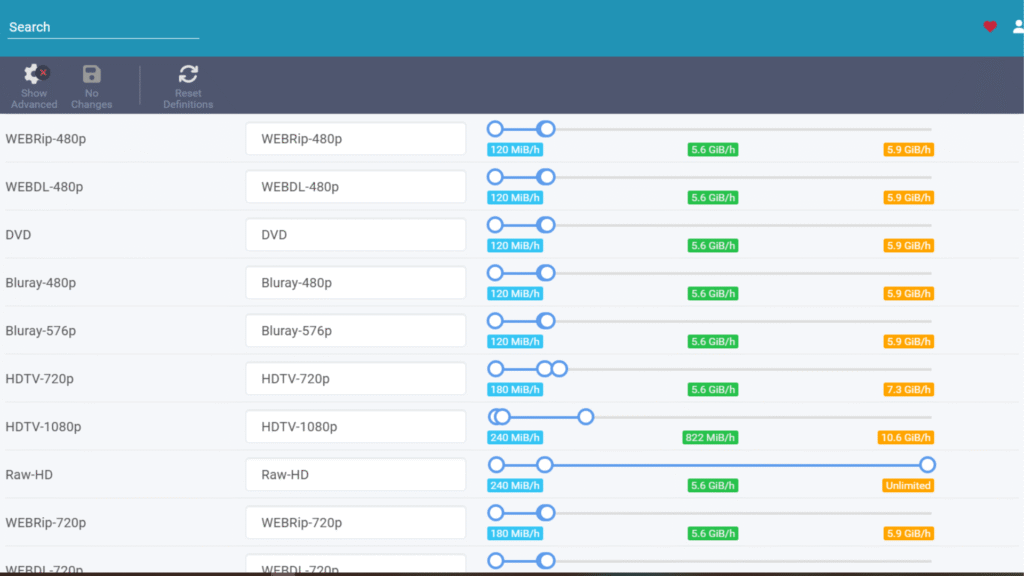
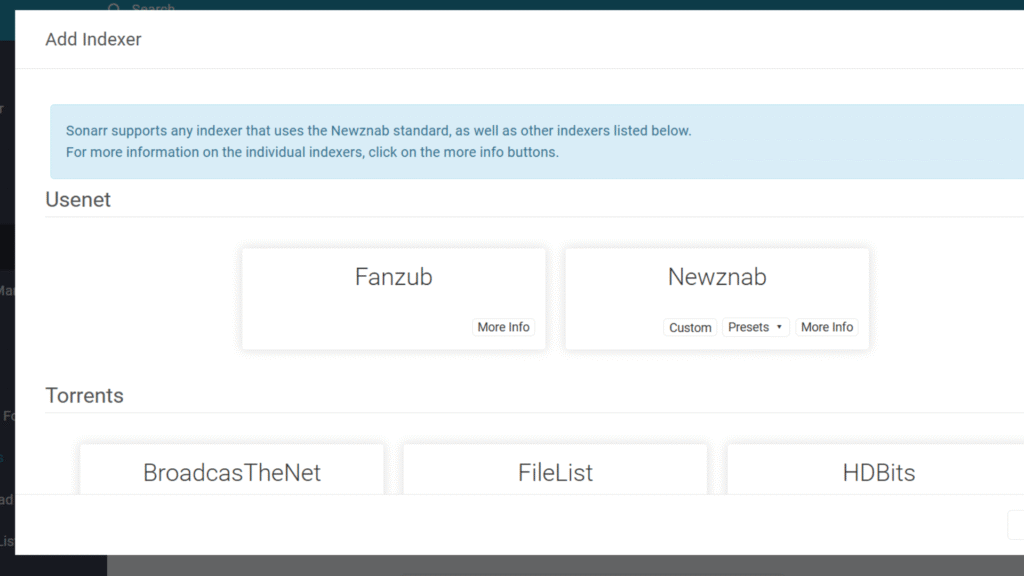
Click back then click Indexer, next click on add indexer mine is already added in this picture now we need to add yours.
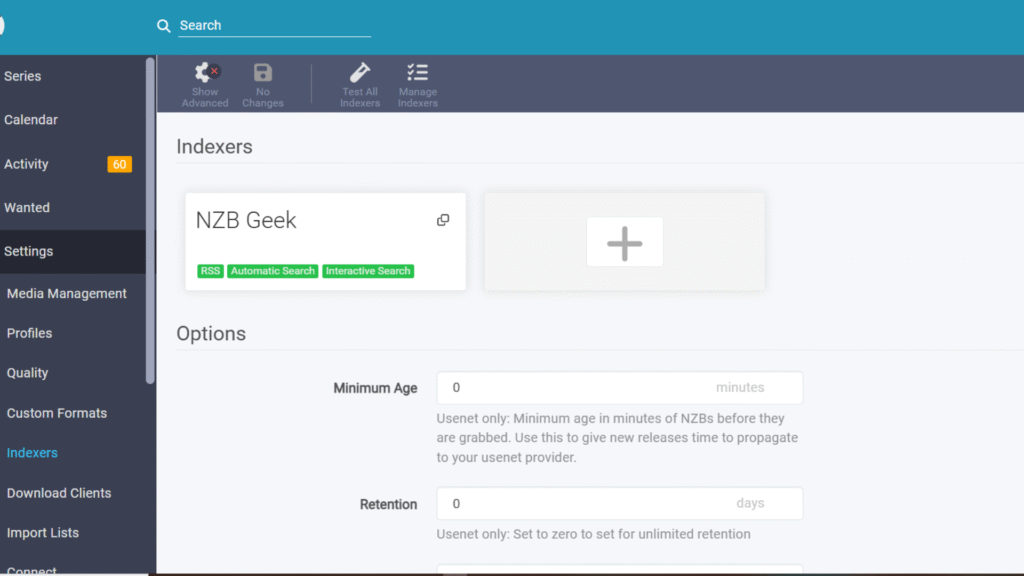
Now click on Newznab
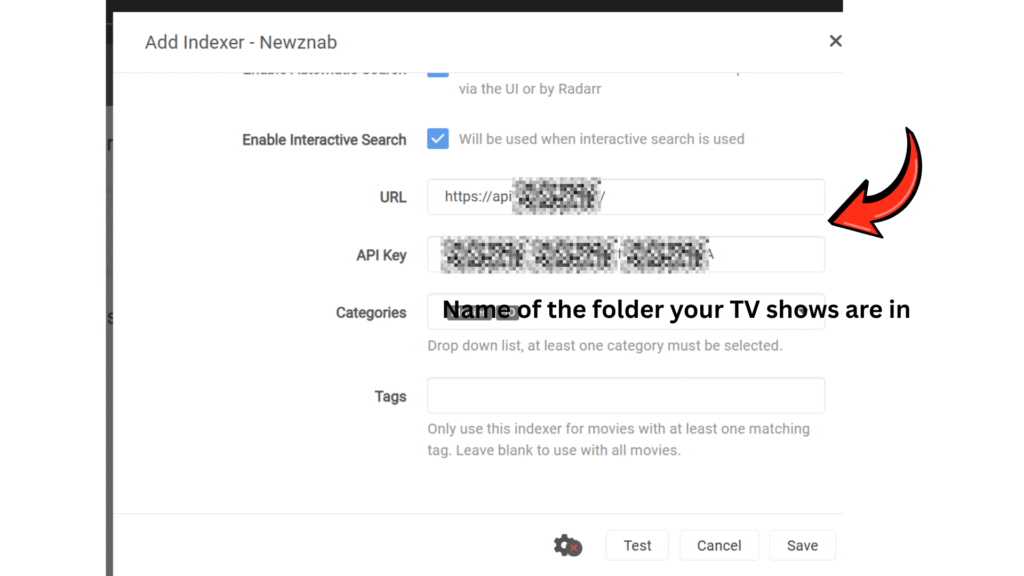
Now add your Indexers URL and API Key you can find that in your account page in the indexer you subscribed to.
Then add the name of the folder your TV shows are going into.
Then click test if its good click save.
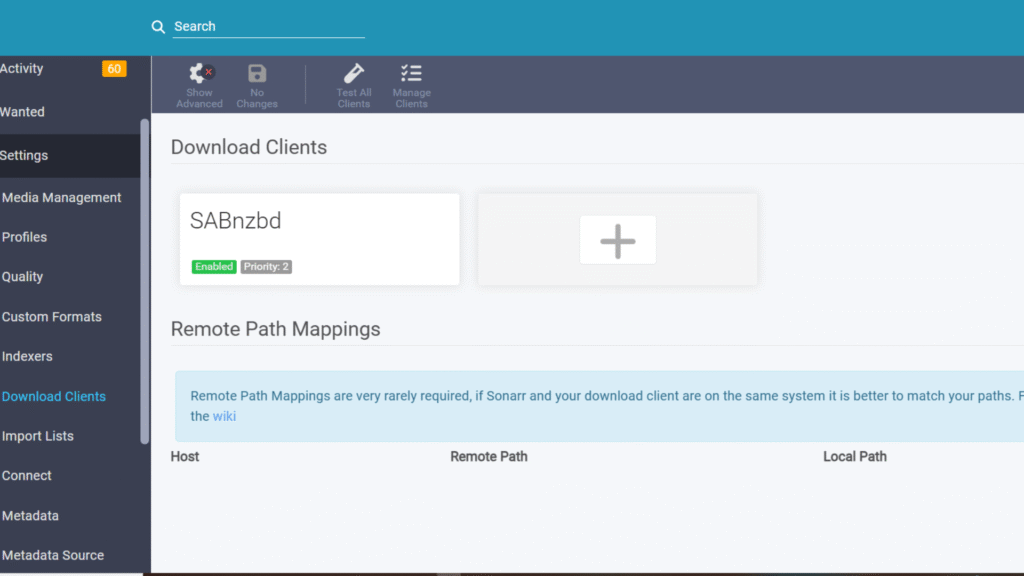
Click back now we are going to click on Download clients
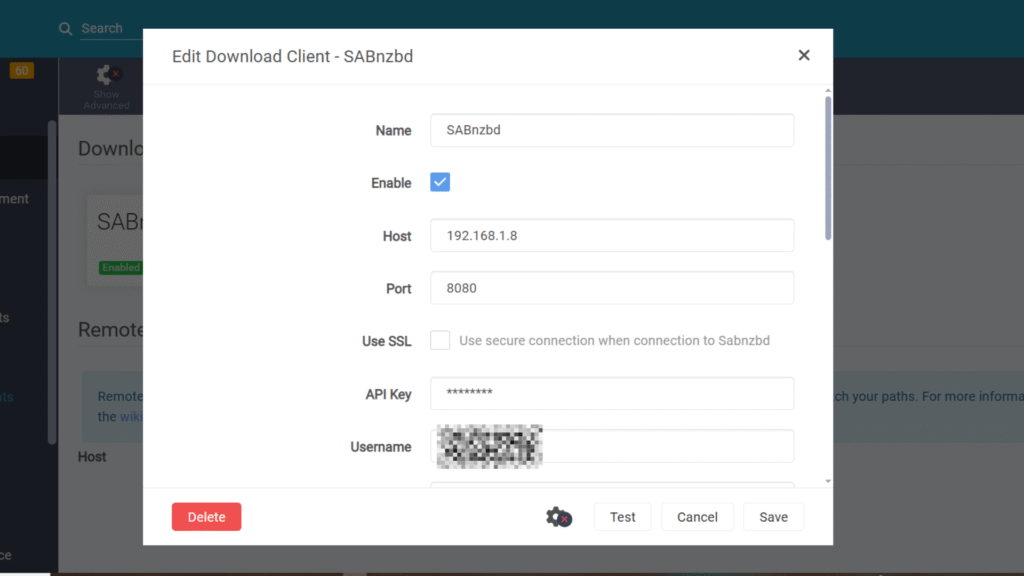
Now add your Host:The IP address of the machine running SABnzbd (e.g., 192.168.x.xx) , Then add your port 8080 , Then add your API Key and username from SABnzbd then click test if its good click save.
Now you need to start adding your shows